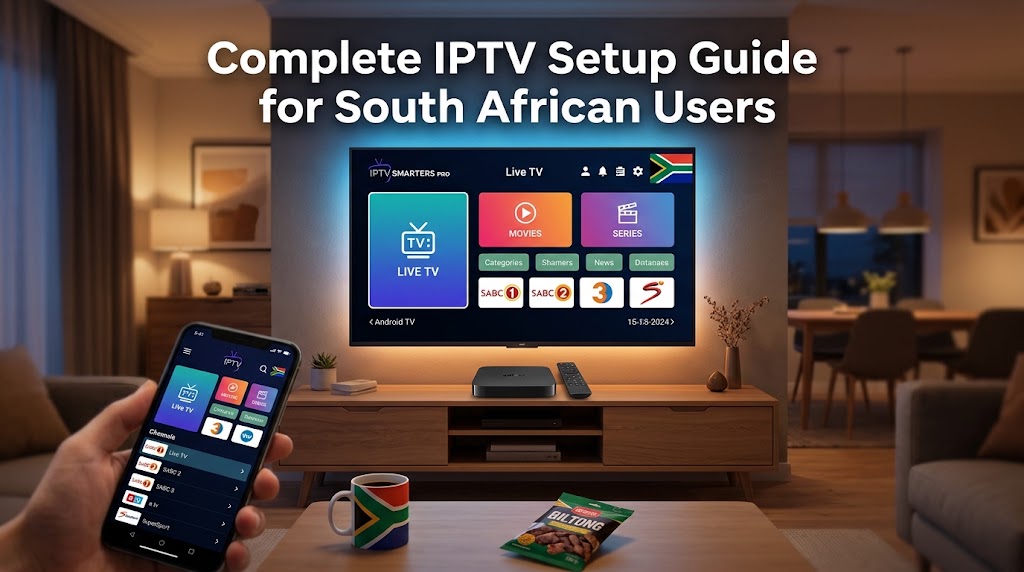
Complete IPTV Setup Guide for South African Users
Overview: IPTV Setup in South Africa
Configuring Internet Protocol Television (IPTV) allows users to stream live broadcast feeds and on-demand media over a broadband network. This guide outlines the setup procedures for South African users across various hardware platforms, detailing network requirements, application settings, and local playback optimization.
Prerequisite Notice
Ensure your streaming service or playlist provider complies with local broadcasting regulations and licensing standards. Verify that your subscription provides valid authorization credentials before proceeding.
Technical & Subscription Requirements
Network & Hardware Specs
- • Connection Speed: Minimum 4 Mbps for HD streams; 10 Mbps or higher recommended for 4K streams.
- • Connection Type: Fiber broadband (Openserve, Frogfoot, MetroFibre) preferred over fixed-wireless or ADSL.
- • Supported Hardware: Smart TV (Samsung Tizen, LG webOS), Android TV box, DStv media device, iOS, or PC.
- • Data Allowance: Uncapped fiber package or generous mobile data pool.
Authentication Data
- • Playlist URL: Direct M3U or M3U8 link supplied by your provider.
- • Xtream Codes API: Server base URL, Username, and Password details.
- • EPG URL: XMLTV feed link synchronized to South African Standard Time (SAST / UTC+2).
Configuration by Device
Android TV, Media Boxes & Smartphones
1. Install Player Client
Download an established media player such as TiviMate, IPTV Smarters Pro, or Perfect Player from the Google Play Store.
2. Import Account Details
Launch the app, select "Add Playlist" or "Xtream Codes API", and input your subscription server credentials or M3U link.
3. Optimize Stream Buffer
Set the player's buffer size to 2–5 seconds to mitigate minor packet loss during peak network usage across local ISPs like Vodacom, MTN, or Telkom.
Smart TVs & Connected Streaming Devices
1. Locate Compatible App
Search the device app store (Samsung Smart Hub, LG Content Store, or relevant media player app store) for supported IPTV players.
2. Register Device MAC / Playlist
For MAC-authenticated apps, upload your M3U link via the player provider's web dashboard using your TV's displayed device identifier.
3. Align System Timezone
Set system and app timezones to GMT+2 (SAST) to ensure the Electronic Program Guide (EPG) aligns accurately with broadcast schedules.
iOS & iPadOS Devices
1. App Store Download
Install an IPTV client like GSE Smart IPTV or IPTV Smarters from the Apple App Store.
2. Configure Playlist URL
Add a new remote playlist using your M3U URL or login credentials. Perform the initial sync over Wi-Fi to load channel indexes cleanly.
3. Bitrate Management
Enable stream resolution caps within app settings when watching via mobile cellular connections to avoid rapid data consumption.
Infrastructure & Network Considerations
Power Outages & Load Shedding
Connect your fiber ONT device and Wi-Fi router to a micro-UPS supply to maintain local network connectivity during power interruptions.
Data Consumption Estimates
Standard HD streaming consumes roughly 3 GB per hour. Uncapped fiber plans remain the standard for uninterrupted home streaming.
Local Broadcasting & EPG
Verify your service incorporates accurate XMLTV data for local channels including SABC 1-3 and e.tv, mapped correctly to UTC+2.